
Solutions
Employee Management
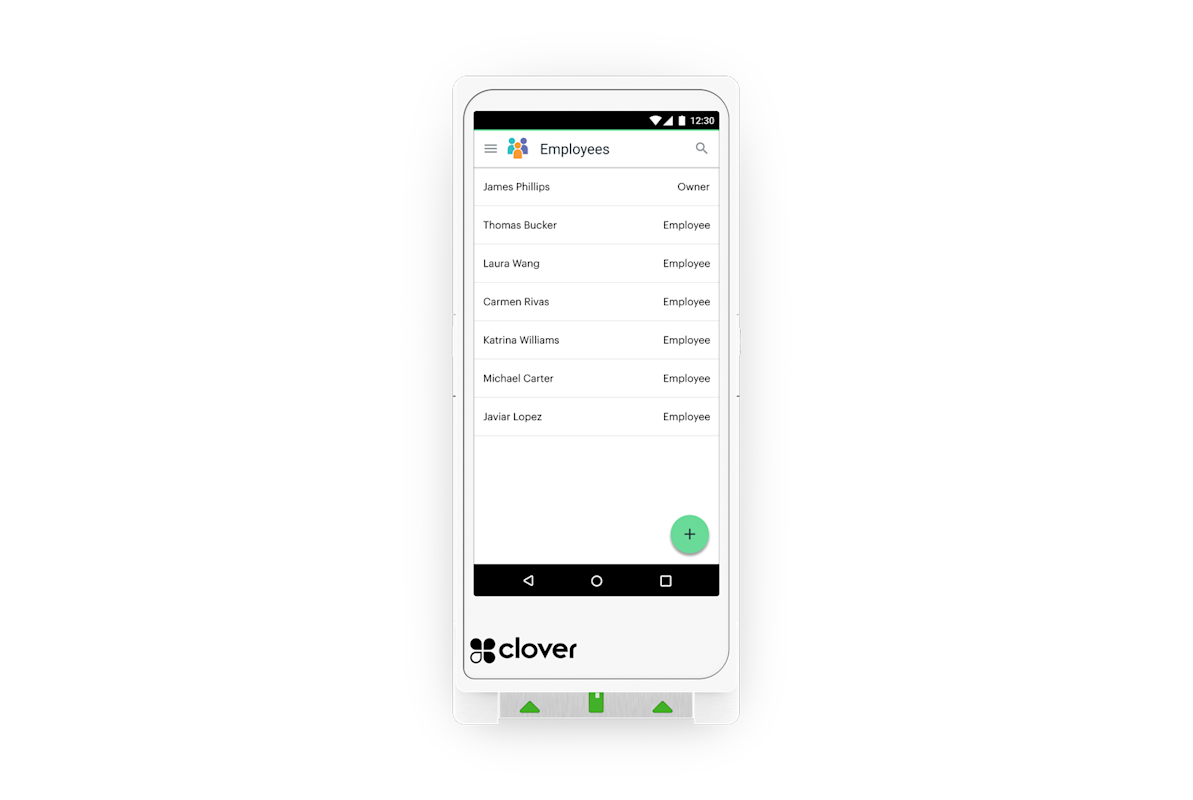
Your team already touches the POS every shift. That makes it the natural place to handle clock-ins, permissions and who can do what.
Solutions
The short version
01
Time tracking
Clock in and out at the POS, with breaks and overtime visibility.
02
Permissions
Control voids, discounts, refunds, drawer access and reporting by role.
03
Scheduling
Publish shifts and let staff see them on their phones.
04
Tips
Tip capture, adjustment and pooling reports that hold up.
05
Accountability
Every void and discount is tied to a person.
06
Payroll handoff
Hours export cleanly instead of being re-typed.
Permissions prevent most problems
Most register shrinkage isn't dramatic. It's unlogged voids and casual discounts. Role-based permissions and a manager PIN handle nearly all of it without anyone feeling policed.
- Manager approval on voids and refunds
- Discount limits by role
- Drawer access control
- Report visibility by role
Labor cost against sales, in the moment
Seeing labor as a percentage of sales by hour tells you where you're overstaffed. That's the report that pays for the system.
Make the schedule visible
Shifts on phones, swap requests handled in the app, fewer texts on your day off.
Tips without arguments
Whatever your pooling method, it has to be reproducible and explainable. We configure tip handling so payroll questions have a clean answer.
Clover or Square
Clover or Square?
We sell both, so the recommendation comes from your workflow instead of our inventory.
Clover
Clover includes employee permissions, shifts and time tracking, with payroll apps in the marketplace.
Explore Clover →Square
Square Team and Shifts handle timecards, permissions, scheduling and tip pooling, feeding Square Payroll.
Explore Square →FAQ
Questions we get
Can staff clock in from their phones?
Depending on the platform and configuration, yes. Many operators prefer clock-in at the POS only.
Does this replace payroll?
It feeds payroll. Both platforms have payroll products or exports for your provider.
Can I limit who sees sales totals?
Yes. Reporting visibility is part of role permissions.
How are tips split?
Configurable by role, hours or sales, depending on platform. We set it to match your policy.
Free consultation
Set Up My Team Tools
Tell us how your business runs. We'll come back with a straight recommendation — including telling you if what you already have is fine.
Prefer to talk? Book a 15-minute call. Based in Southeast Wisconsin. Working with businesses nationwide.
Equipment at no cost, free setup, no long-term contract.
- No long-term contract
- Equipment at no cost
- Free setup
- Ongoing support
Locally owned since 2000 · owner-run in Southeast Wisconsin. What’s included →
Related
Keep reading
Start with a conversation.
Tell us how your business runs. We'll help you figure out what actually fits — Clover, Square or a specific configuration of either.