
Solutions
POS Systems
A point of sale system is the counter, the kitchen, the back office and the customer list all in one. Get it right and the day runs smoother. Get it wrong and you spend a year working around it.
Solutions
The short version
01
What it is
The hardware and software your team touches every shift to ring up sales, track items and close out.
02
Why it matters
Your POS decides how fast checkout feels, what you can see in reports and what you can automate.
03
What it replaces
A card terminal, a spreadsheet, a paper schedule and a notebook of who owes what.
04
Hardware options
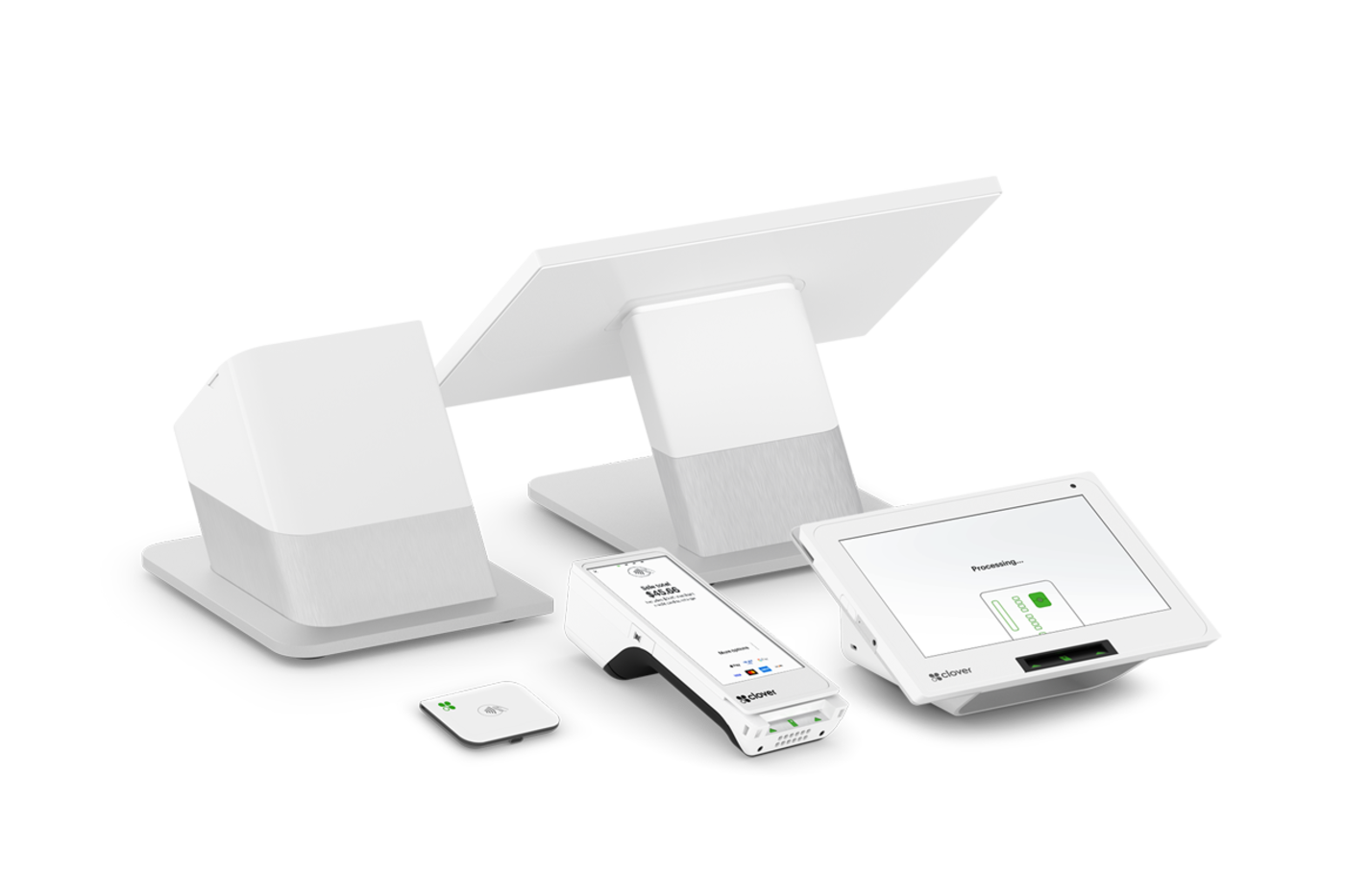
Countertop stations, small footprint terminals, handhelds, kiosks and phone-based readers.
05
Software side
Menus and catalogs, staff permissions, discounts, taxes, tips, refunds and daily close.
06
Where we fit
We help you scope it, configure it, install it and stay reachable after go-live.
Start with how the day actually runs
Before anyone talks hardware, we walk through a normal shift: how orders come in, who takes them, where the line backs up, and what you're doing manually at night. That conversation usually settles the hardware question on its own.
- Order flow from first touch to receipt
- Who needs to see what
- Peak-hour bottlenecks
- What you're re-keying by hand
Then match the hardware to the counter
A busy counter with a printer and a cash drawer needs something different than a stylist checking out one client at a time. Both Clover and Square have a full range, so the question is fit, not brand loyalty.
- Full station with printer and drawer
- Compact terminal for tight counters
- Handheld for tableside or the floor
- Self-order kiosk for lines
Configuration is where systems succeed or fail
Most POS frustration traces back to setup, not the device. Menus built the wrong way, modifiers that take four taps, permissions that let anyone void a ticket. We build the configuration around your workflow so the default path is the fast one.
You should be able to call someone
Buying online means you own every question that comes up later. Working with us means there's a phone number attached to your system and a person who already knows how it's set up.
Clover or Square
Clover or Square?
We sell both, so the recommendation comes from your workflow instead of our inventory.
Clover
Broad hardware range and a large app marketplace, so unusual requirements usually have an answer.
Explore Clover →Square
Tightly connected software where payments, staff, customers and online sales share one back office.
Explore Square →FAQ
Questions we get
How long does setup take?
Simple retail or service setups often go live within a week or two. Restaurants with large menus, modifiers and online ordering take longer because the menu build is the real work.
Can I keep my current processor?
Sometimes. It depends on the platform and hardware you choose. Tell us who you're with now and we'll tell you straight what's possible.
Do I need internet?
Yes for normal operation. Both platforms have offline modes with limits, and we'll cover what happens during an outage before you go live.
What if I outgrow the system?
Both Clover and Square scale to multiple locations. We size the setup for where you are now and confirm the path for where you're headed.
Free consultation
Get My POS Recommendation
Tell us how your business runs. We'll come back with a straight recommendation — including telling you if what you already have is fine.
Prefer to talk? Book a 15-minute call. Based in Southeast Wisconsin. Working with businesses nationwide.
Equipment at no cost, free setup, no long-term contract.
- No long-term contract
- Equipment at no cost
- Free setup
- Ongoing support
Locally owned since 2000 · owner-run in Southeast Wisconsin. What’s included →
Related
Keep reading
Start with a conversation.
Tell us how your business runs. We'll help you figure out what actually fits — Clover, Square or a specific configuration of either.